Reflection 2
Until now, I’ve primarily used PowerPoint presentations as a straightforward tool for delivering content lectures in my class. I never considered making them interactive, likely because none of my tutors during my school days ever designed lessons in such a way. However, my perspective completely shifted during a recent session when the tutor demonstrated how to create an interactive lesson using something as simple as a hyperlink. While I was aware of hyperlinks and their presence in Microsoft apps, it never occurred to me to leverage this basic feature to make lessons more dynamic. This revelation has inspired me to rethink how I design my lessons in the future. It’s clear that even the simplest features when understood and utilized creatively, can open the door to innovation.
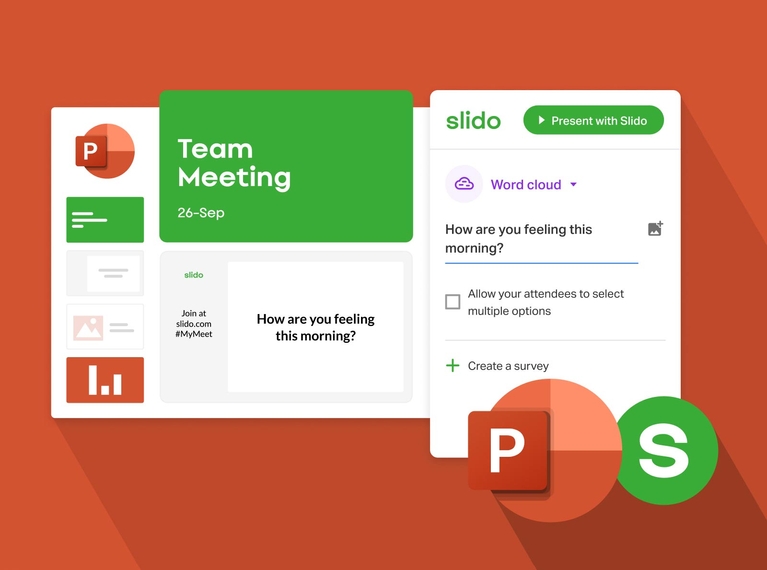
Another exciting takeaway from the session was learning how to enhance PowerPoint presentations further by incorporating Add-ins like Slido and ClassPoint. These tools enable the integration of interactive quizzes, Q&A sessions, ratings, drawings, discussions, and many more in PowerPoint slides, turning lectures into engaging and collaborative experiences. Not only do they capture students’ attention, but they also encourage self-assessment so that tutors can provide real-time feedback, offering valuable moments for reflection and learning during the session. I will frequently use this whenever I have a module that needs to be taught through presentation slides.


Comments
Post a Comment